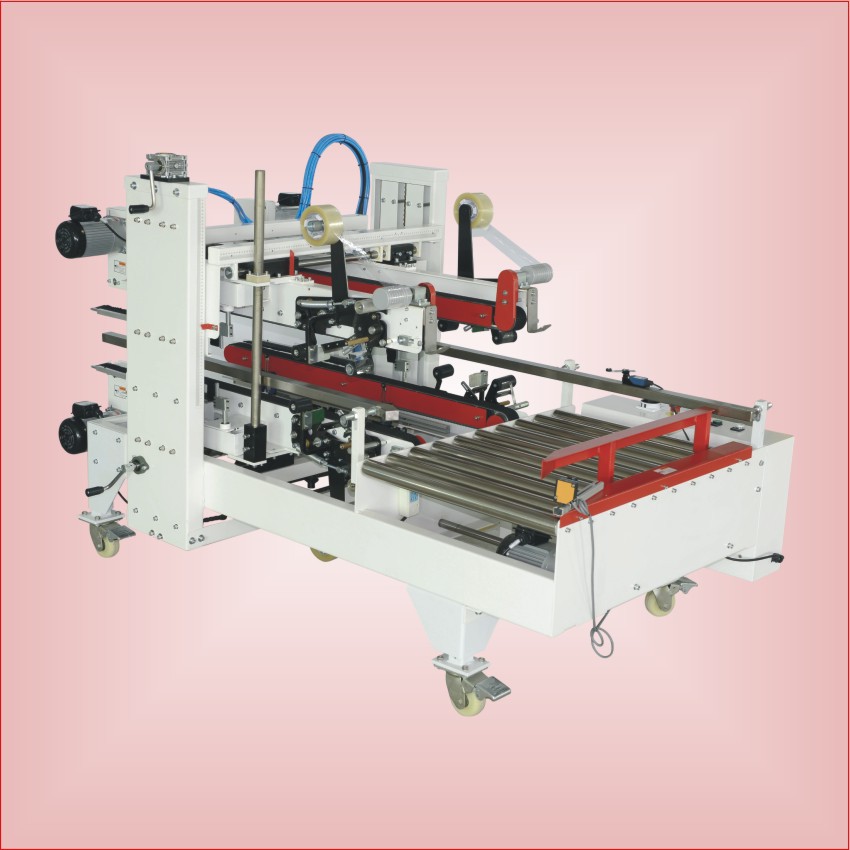
The screen says AL-13. Someone presses reset, the machine runs for six minutes, and the alarm comes back. This pattern can go on for a week, and it usually ends with a replaced drive that was never the problem.
Servo alarms are diagnostic gifts, not obstacles. The drive is telling you something specific, and the reset button is deleting the evidence.
First: do not reset. Read.
Before touching anything, photograph the alarm code, the time, and the machine’s cycle counter. Then look at the alarm history in the drive parameters, not just the current fault. A drive that has logged the same overload fourteen times in three days is giving you a pattern.
Only after you have the code and the context should you reset. And when you reset, stand at the machine and watch which axis faults first and at what moment in the cycle.
The five alarm families
Overload or overcurrent. The motor drew more current than the limit. Mechanically this means friction, a jam, a tight belt, a failing bearing, or product stuck where it should not be. Electrically it can mean a short in the motor cable, which is rarer but worth checking with a megger.
Encoder or position error. The drive cannot reconcile the commanded position with the feedback. Causes: a loose encoder coupling, a damaged cable, contamination on the encoder disc, or electrical noise from a badly routed signal cable.
DC bus overvoltage. The motor is being driven by the load, so energy is going back into the drive. This is what happens when a heavy vertical axis descends too fast, or when a deceleration ramp is shorter than the mechanics allow.
DC bus undervoltage. Usually the supply, not the drive. Phase loss, a loose terminal, a failing contactor, or a voltage sag when another machine on the same panel starts.
Overtemperature or communication fault. Cooling fan blocked, cabinet filter clogged, ambient too hot, or a network cable with a bad shield. Both are slow, annoying faults that get misdiagnosed as “the drive is dying”.
Is the drive the cause, or the victim?
Ask one question: did the fault appear suddenly, or has the machine been gradually getting worse?
Sudden, after a mechanical change or a jam: almost always the mechanism. Someone changed a belt, a guard was refitted slightly off, product is stuck somewhere.
Gradual, over weeks, with occasional alarms that clear on reset: usually wear. A bearing drying out, a chain tensioning itself tighter, a coupling working loose.
Sudden, on multiple axes at once, or after a power event: supply or drive. Check the incoming voltage, the phases, and the drive’s internal logs before you order a replacement.
The observe protocol
- Note the code, the axis, the time, and the cycle count
- Reset once, and watch the machine through the exact moment it faulted
- If it repeats, disconnect the load and run the axis free. If it runs clean, the problem is mechanical
- Check motor cable continuity and insulation, and check the encoder coupling by hand
- Check incoming voltage under load, not at idle
- Only then consider the drive
Absolute encoder batteries
Machines that remember position without homing use an absolute encoder with a battery. When the battery dies, the drive loses its reference and throws a position error that looks dramatic and is completely fixable, provided you have the homing procedure.
Replace these batteries on a schedule, every two to three years, and keep the homing procedure printed in the cabinet. A dead battery without the procedure is a service call; with it, it is twenty minutes.
Backups are the real maintenance
Every servo machine should have, on a USB stick in the cabinet: the drive parameters, the PLC program, the HMI project, and the machine’s own backup file. If you replace a drive without the parameter file, you will spend a day re-tuning a machine that was working fine on Monday.
Ask for those files at the factory acceptance test, and check once a year that they still load. See our FAT checklist for the full list of documents to take home.
Safety, in one paragraph
Servo axes can move instantly and without warning, and stored energy in a drive can be present after the isolator is off. Lock out, wait for the drive’s discharge time as stated in the manual, and never put a hand into an axis envelope to “feel” for a jam while the machine is powered.
Frequently asked questions
Can I just keep resetting the alarm?
You can, and it will work until the day it does not, usually during a rush order. A repeating alarm is a machine telling you that a bearing, a belt, or a cable is about to fail.
How do I know if the servo drive is broken?
Run the axis with the mechanical load disconnected. If the drive still faults with no load, and the motor cable tests clean, the drive or motor is faulty. If it runs clean, the problem is downstream.
Do I need the original software to replace a drive?
You need the parameter file, and on some brands a specific configuration tool. Ask for both at purchase, and confirm the drive model is still in production before you rely on a swap-in replacement.
Why do alarms happen more in summer?
Cabinet temperature. Blocked filters and a hot room push the drive over its thermal limit, and the fault appears at the hottest part of the afternoon. Clean the filters and check the cabinet fan first.
Related reading: routine maintenance that prevents alarms and film jams and mechanical overload.